Who uses it
Nurses working in clinics in Nigeria, on their own Android phone, often mid- or low-end, during and between patient visits. It also works on tablets and computers.
AI-Assisted Clinical Documentation and Patient Record Management
CareNote helps nurses document patient visits by voice, create structured clinical reports and manage patient records, even without internet access.
The problem
Many healthcare workers still rely on paper records or spend time typing clinical notes after patient visits. This can delay documentation and make past records difficult to retrieve. Unreliable internet access also makes it harder to depend on online-only systems.
CareNote replaces paper registers and patient cards for logging preliminary checks and visit summaries. Success means entering a visit is faster than writing it in the register, and every record can later be found, trended over time and shared as a PDF.
Nurses working in clinics in Nigeria, on their own Android phone, often mid- or low-end, during and between patient visits. It also works on tablets and computers.
When a patient walks in, the nurse registers them if they are new, runs the preliminary checks in whatever order the moment allows, and records a summary of the visit. Summaries are often finished later, so unfinished visits must wait visibly as pending work.
Product principles
Every step in the visit flow must beat writing in the register.
Autosave, offline-first and pending tasks come before any feature that depends on connectivity.
AI drafts, the nurse confirms. Nothing enters the record without review.
Consent, encryption, the passkey and the audit log are part of the product, not settings.
One-handed use, low-end hardware and interrupted sessions are the normal case, not edge cases.
How a visit is documented
Search for the patient, or add a new one with their consent.
Readings outside the normal range are flagged.
Describe the visit with a short voice note. Typing is also possible.
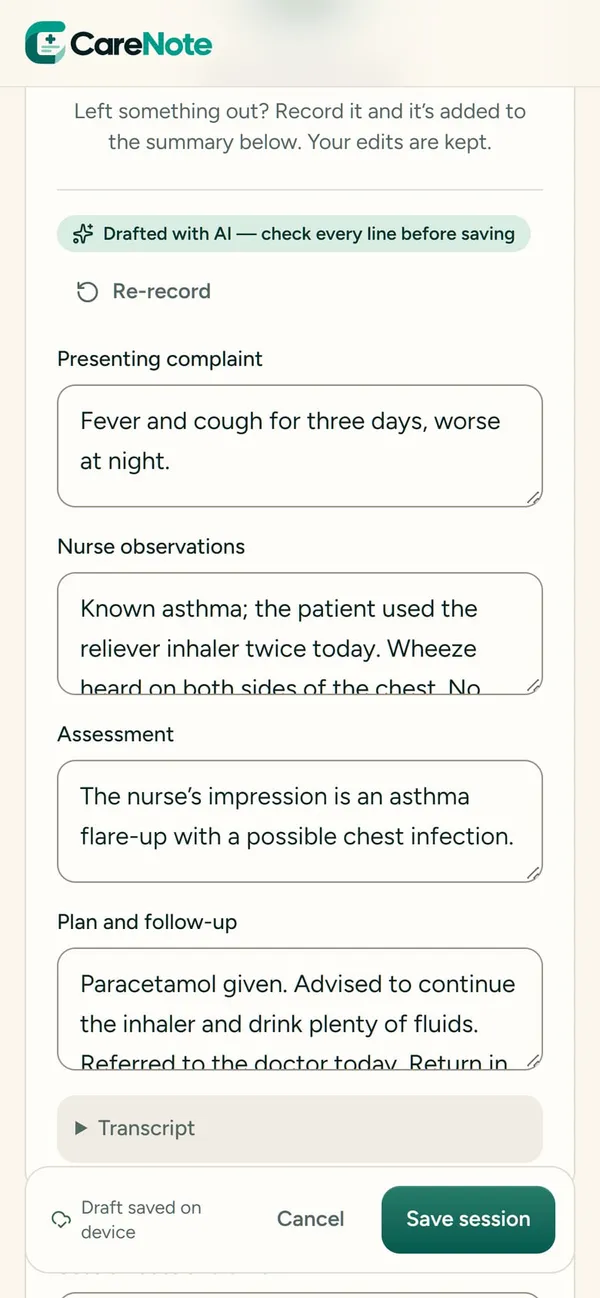
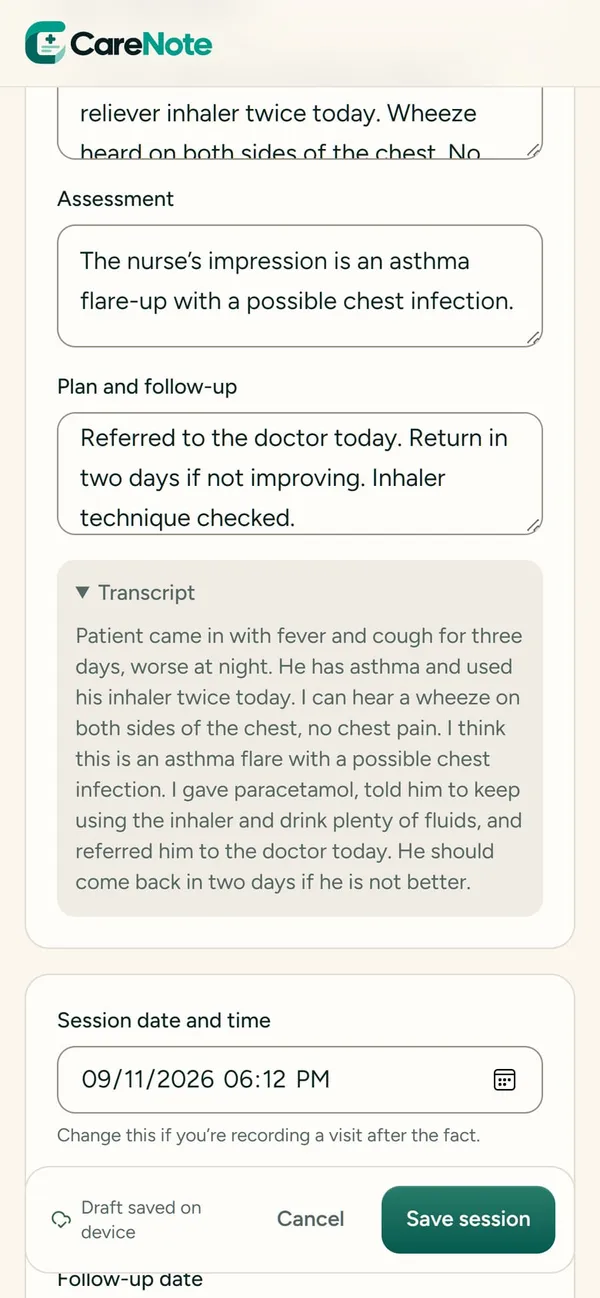
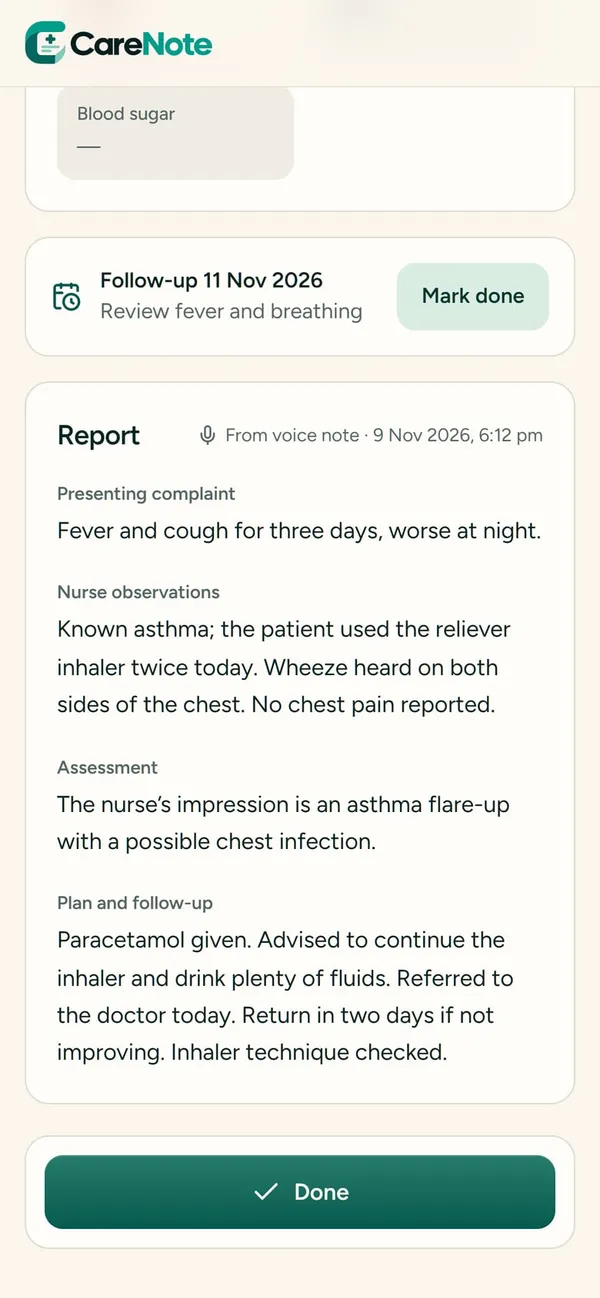
The note is turned into text and a four-part report.
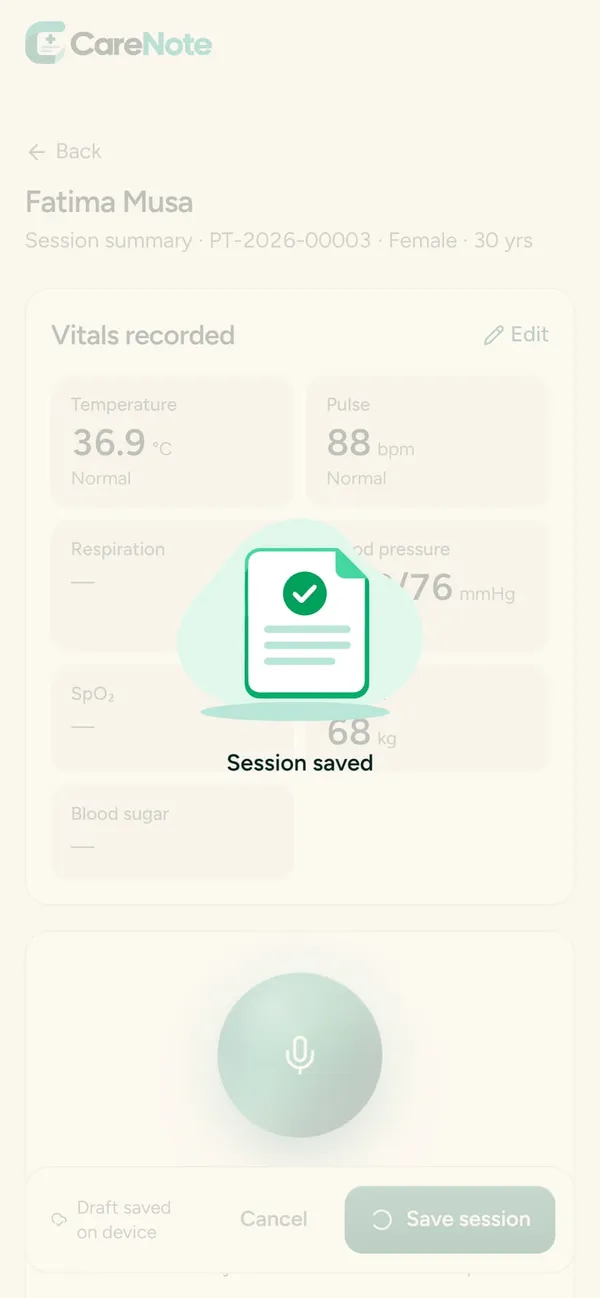
The nurse checks, edits and saves the report.
Nurse dashboard and patient search
The dashboard shows daily patient activity, pending reports, upcoming follow-ups and flagged readings.
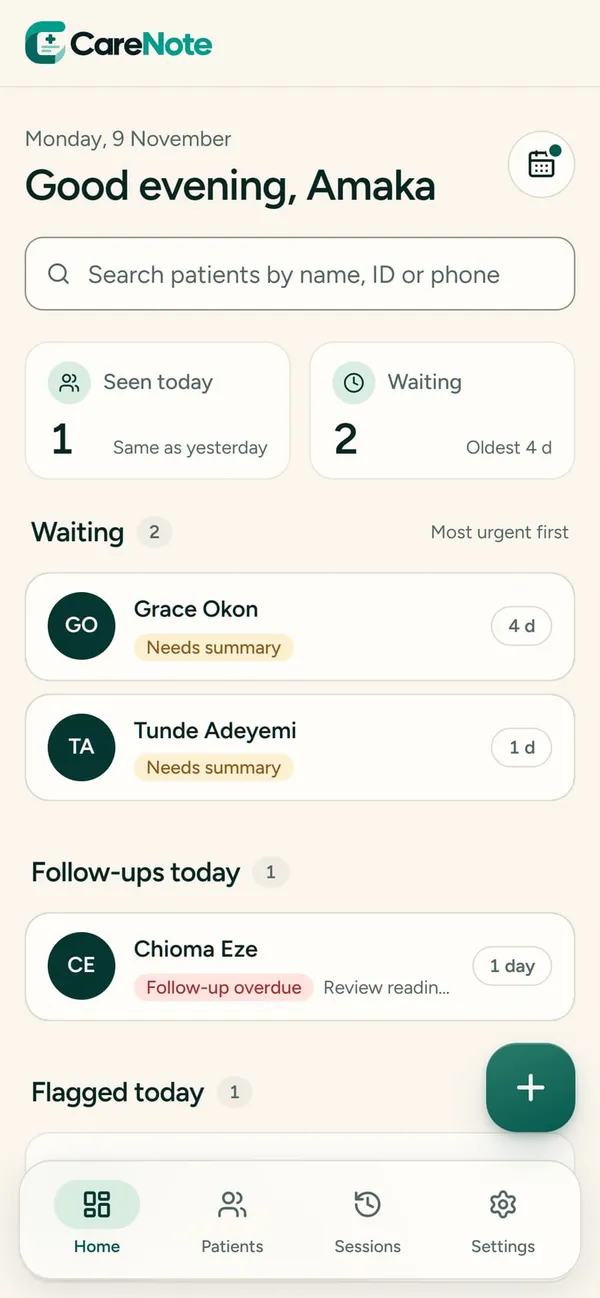
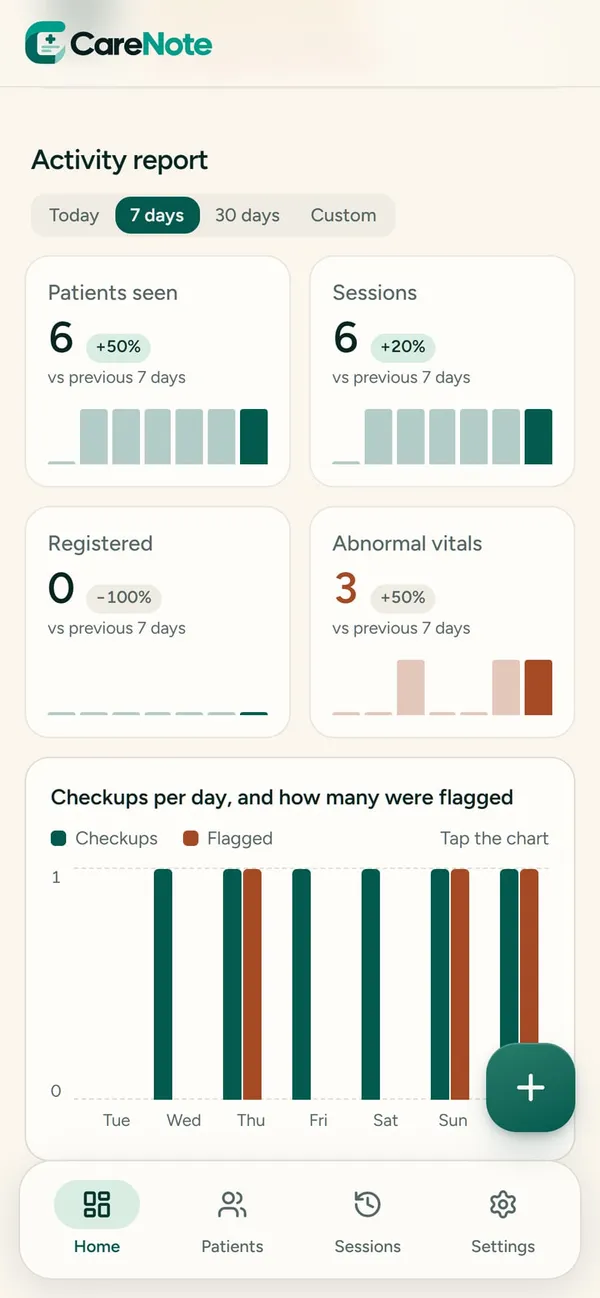
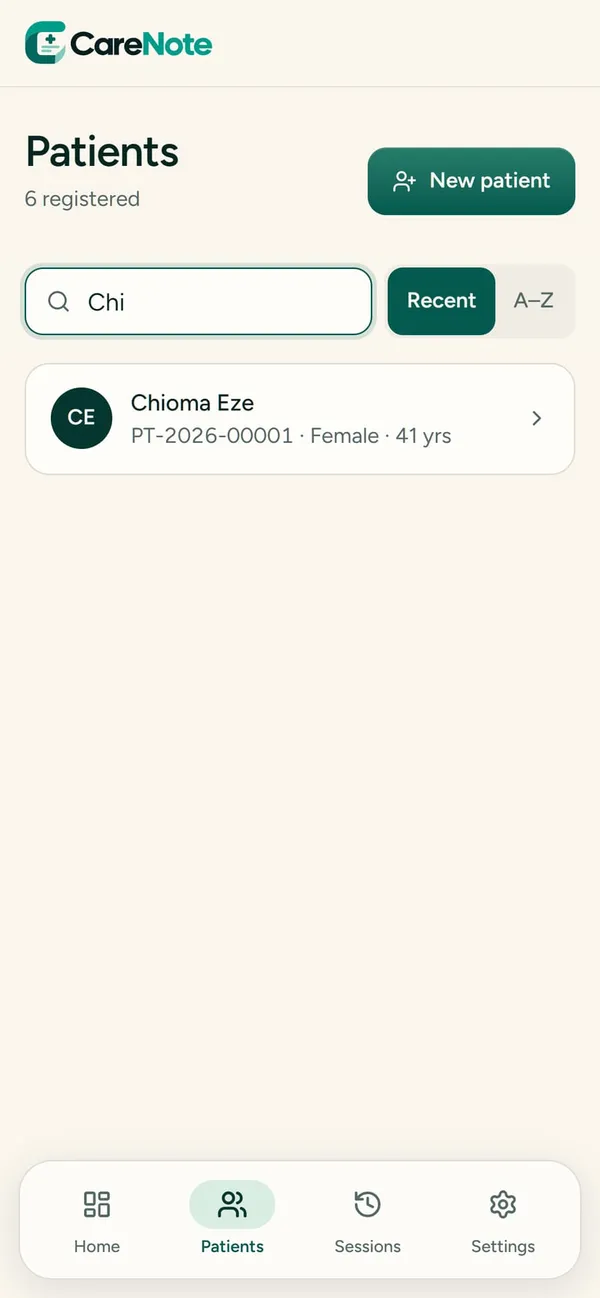
CareNote adapts to tablets and computers, with a layout designed for larger screens while keeping mobile as the primary experience.
Patient profile and medical history
Each patient has one profile with their details, medical history, past visits and vital signs over time.
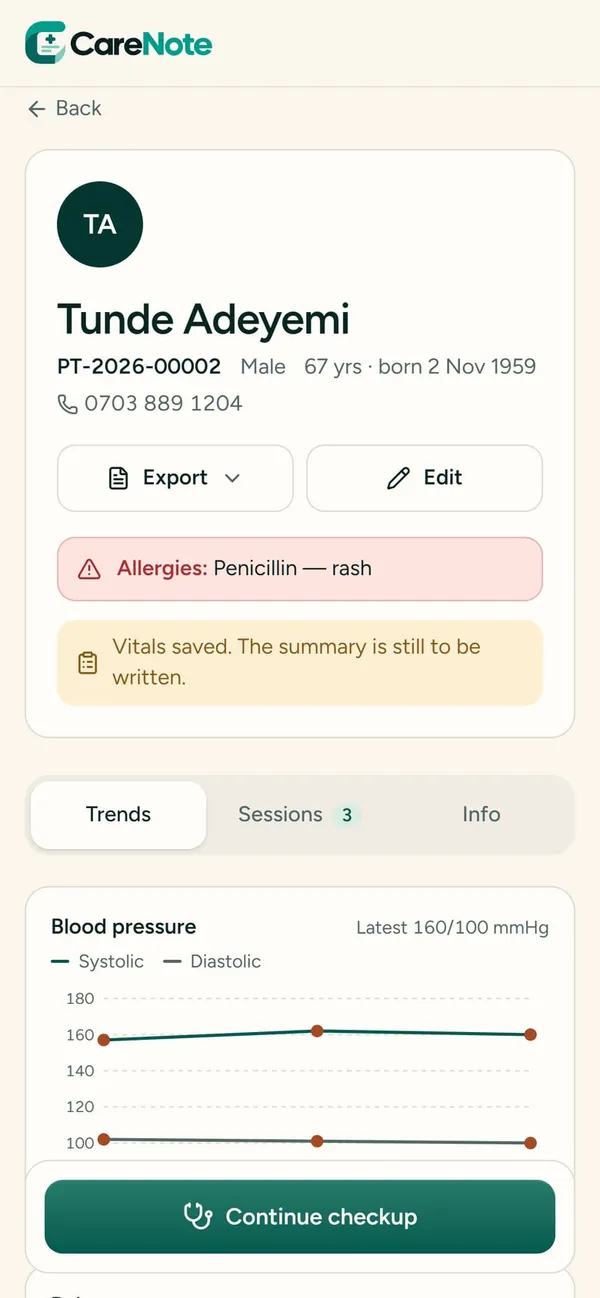
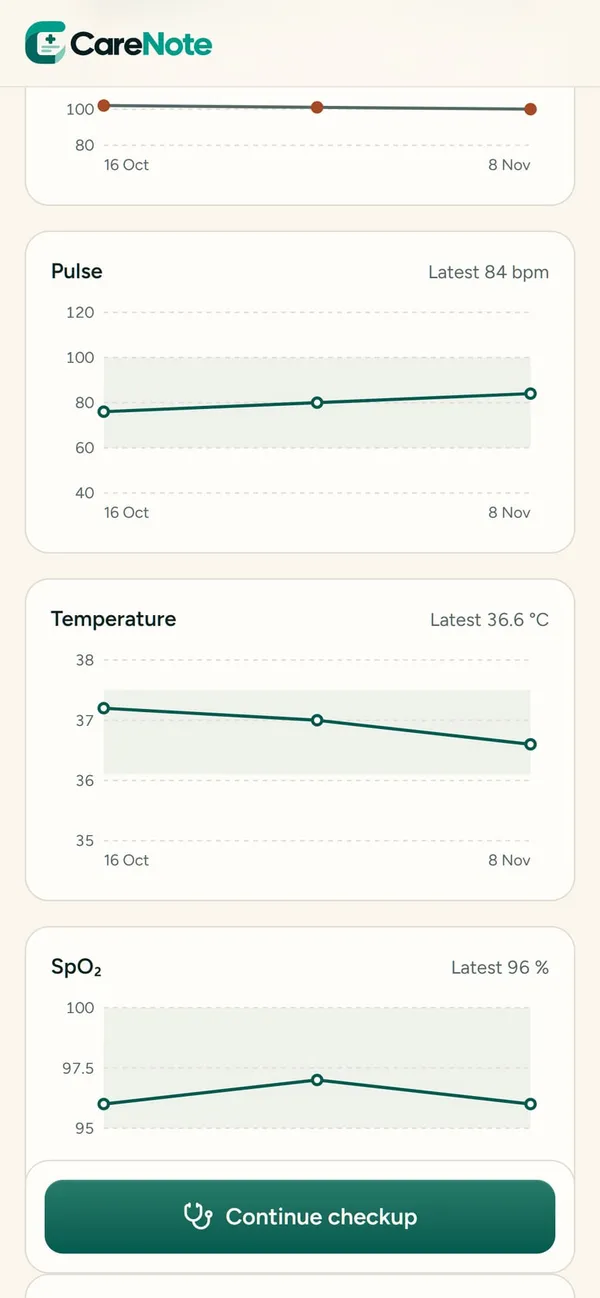
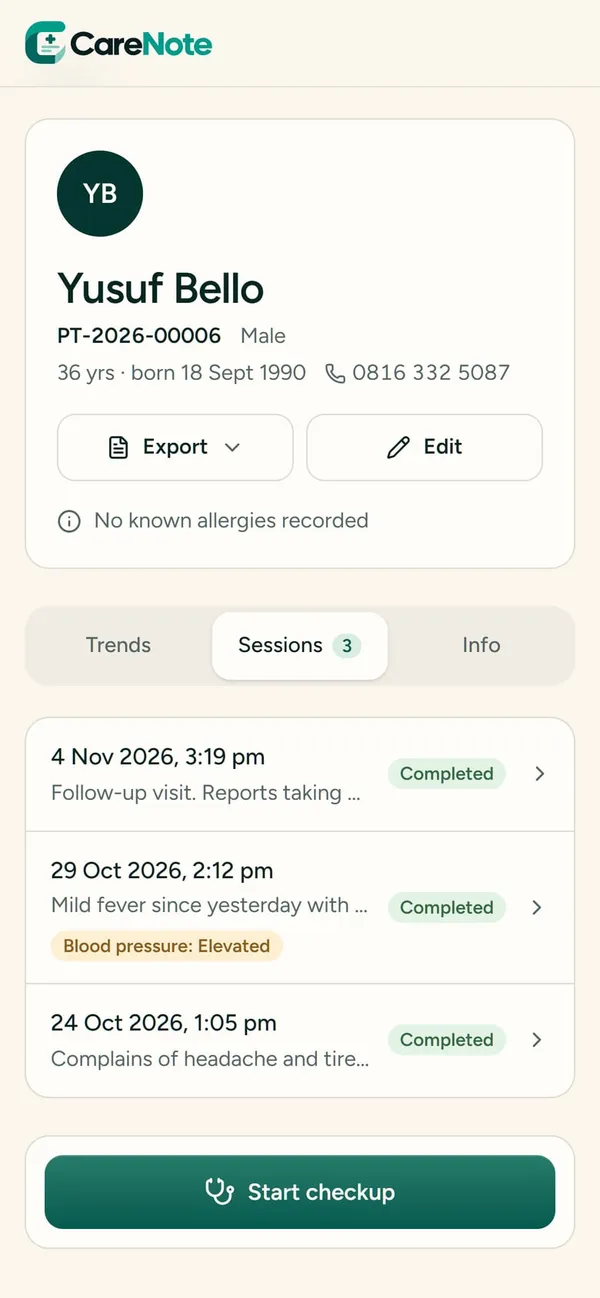
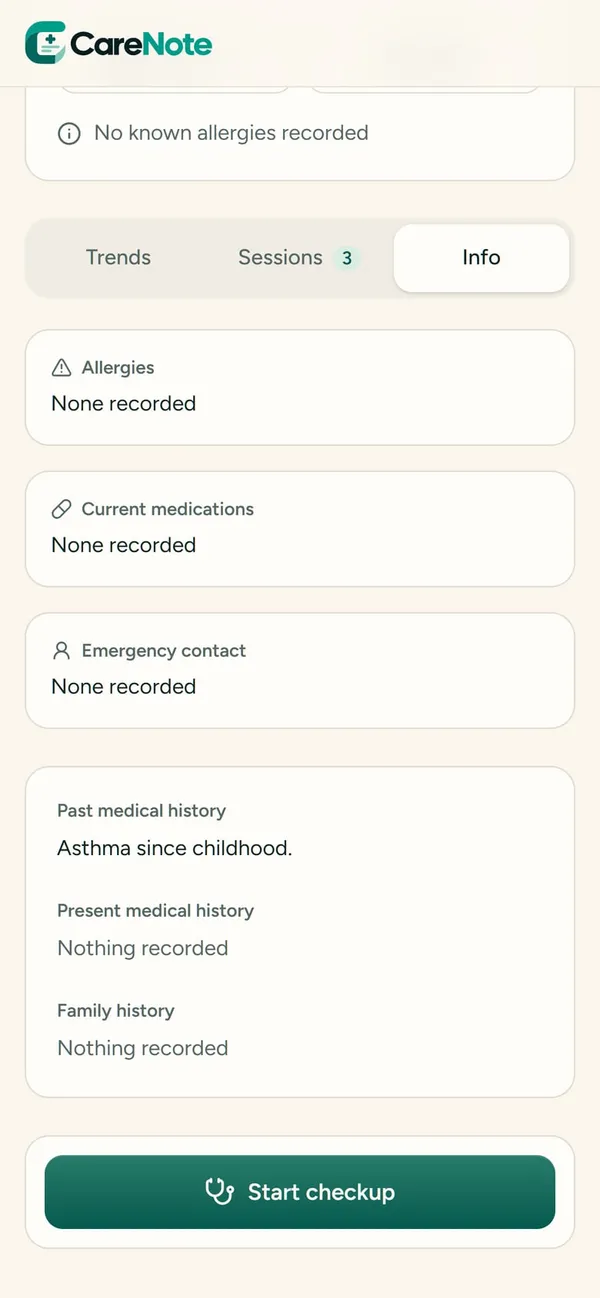
The larger screen makes it easier to review a patient's records and vital signs together.
Recording vital signs and the encounter
The nurse enters the vital signs that were taken, then records a voice note describing the visit. Vitals are captured as a checklist that can be filled in any order, with instant range flags.
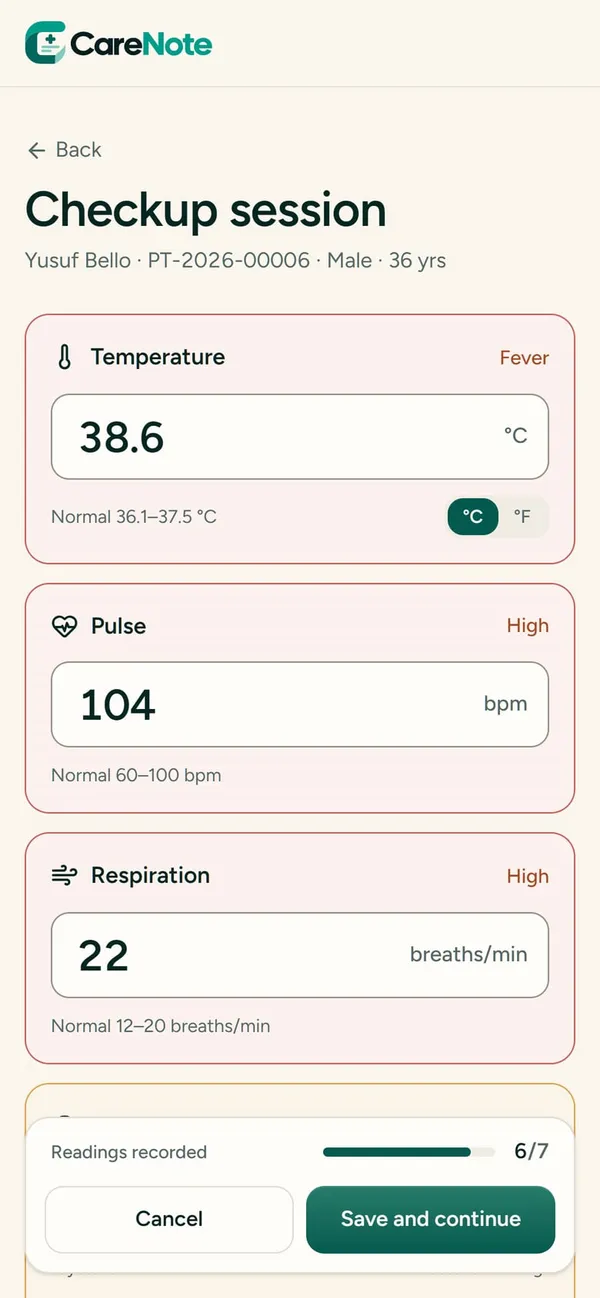
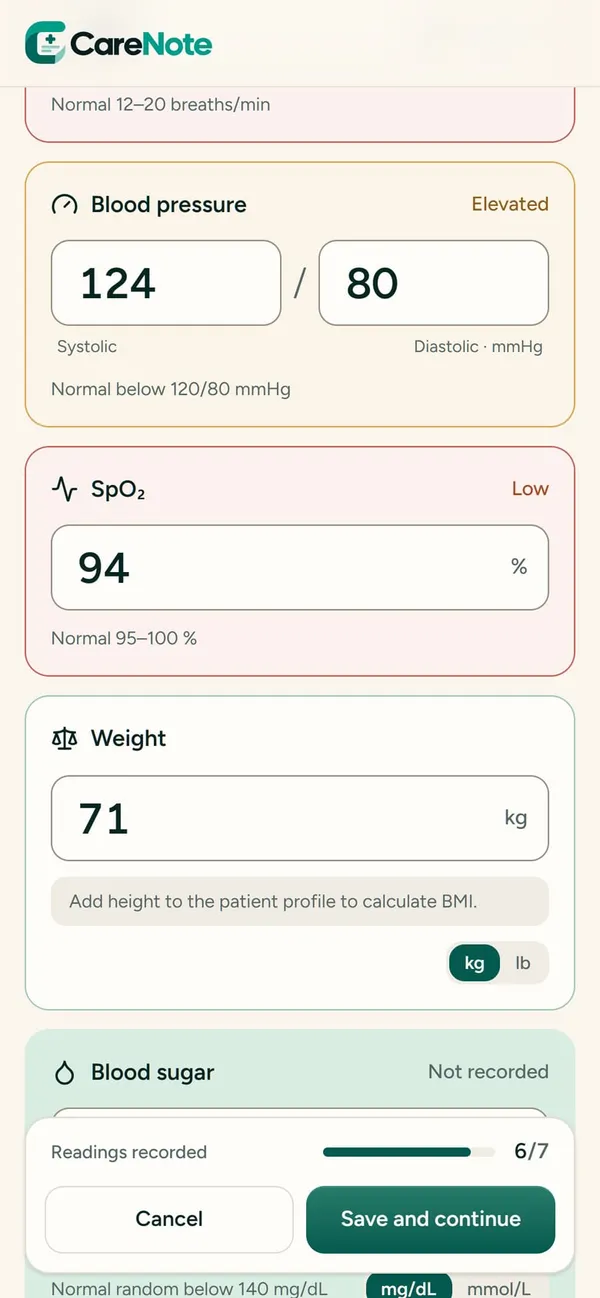
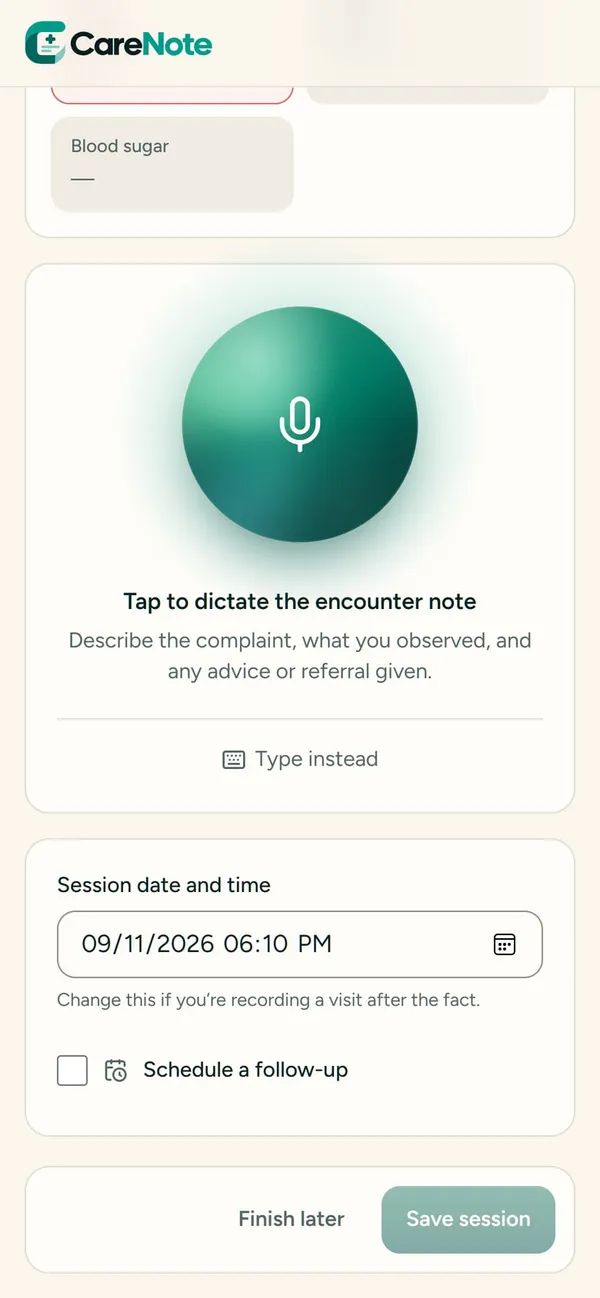
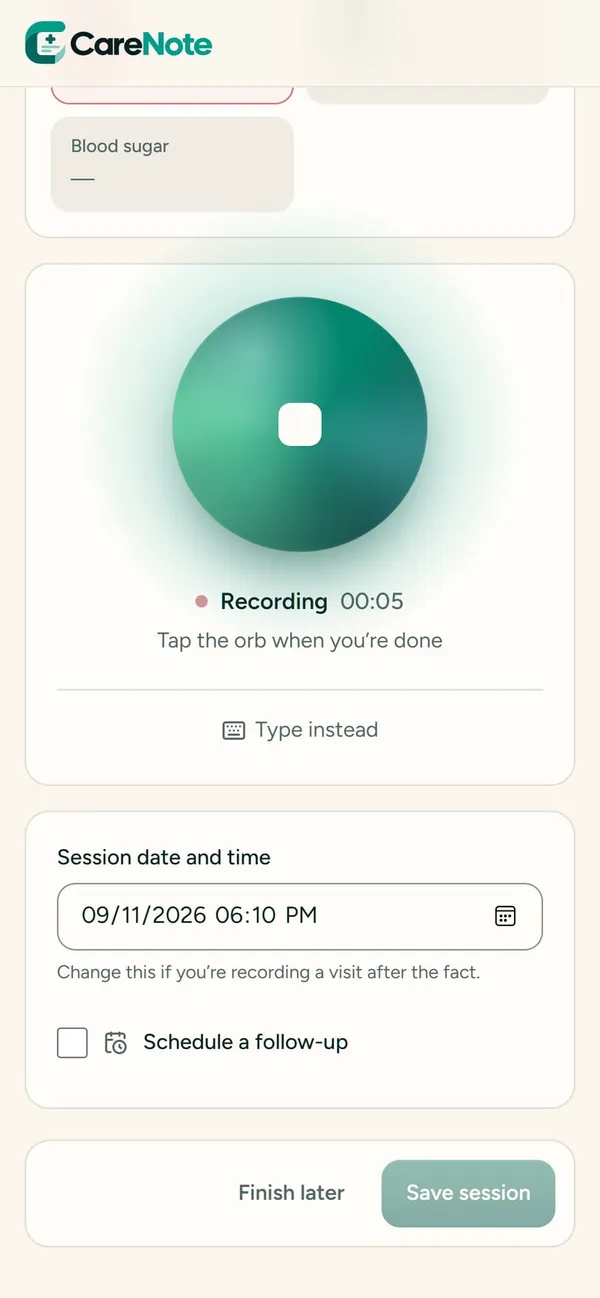
A nurse who prefers to type fills in the same four sections the AI uses: complaint, observations, assessment, and plan.
Vital signs are kept apart from the written report, so the AI never changes them.
Transcription, AI report, review and saving
CareNote turns the voice note into text and drafts a report. The draft becomes part of the record only when the nurse saves it.
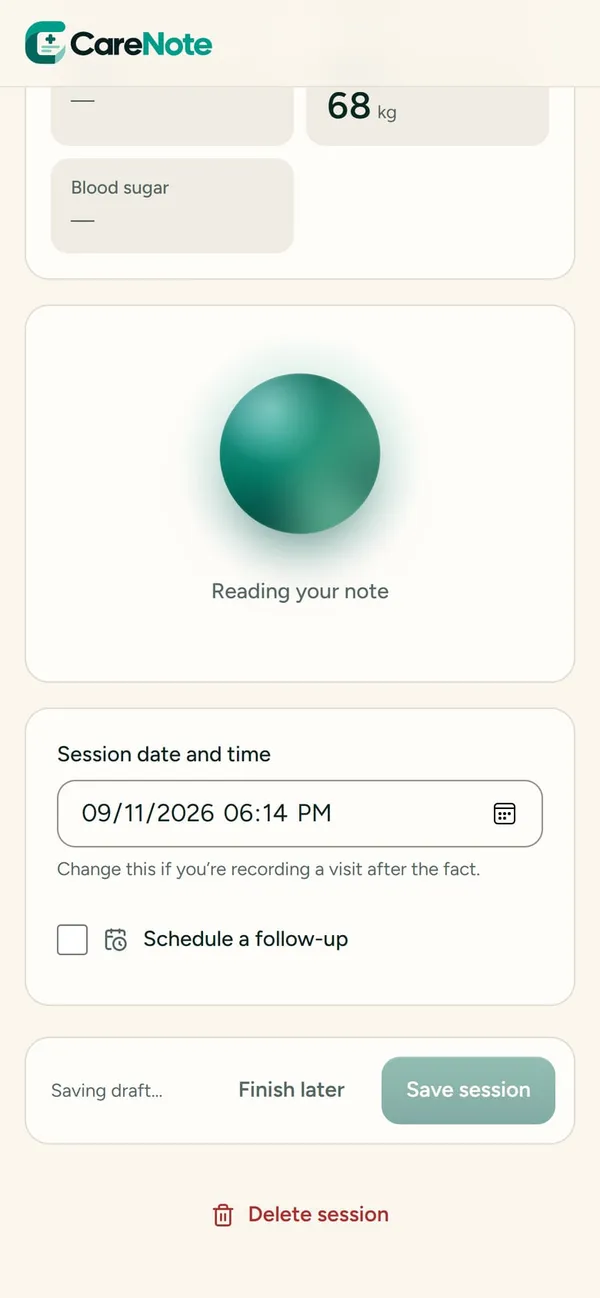
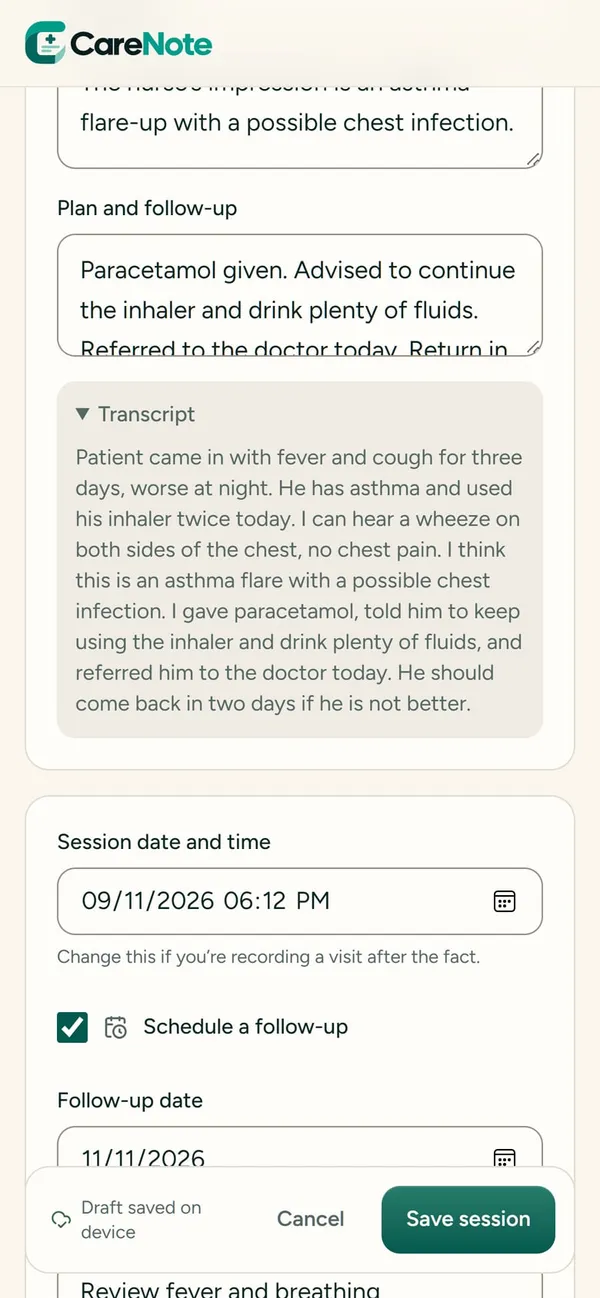
Keeps working without AIIf the AI service is unavailable, CareNote says so and sorts the note into the same report sections on the phone. The nurse can also type the report. A visit can always be documented.
Offline documentation and synchronisation
With no internet, the nurse keeps working and everything is saved on the phone. When the connection returns, CareNote backs it up automatically.
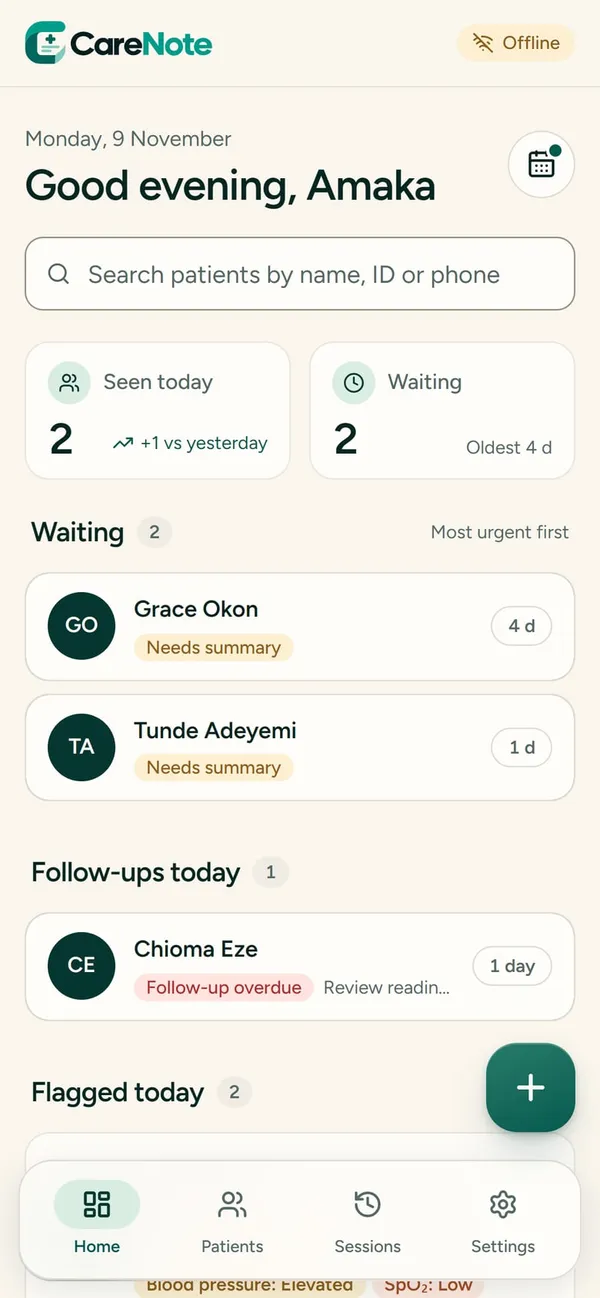
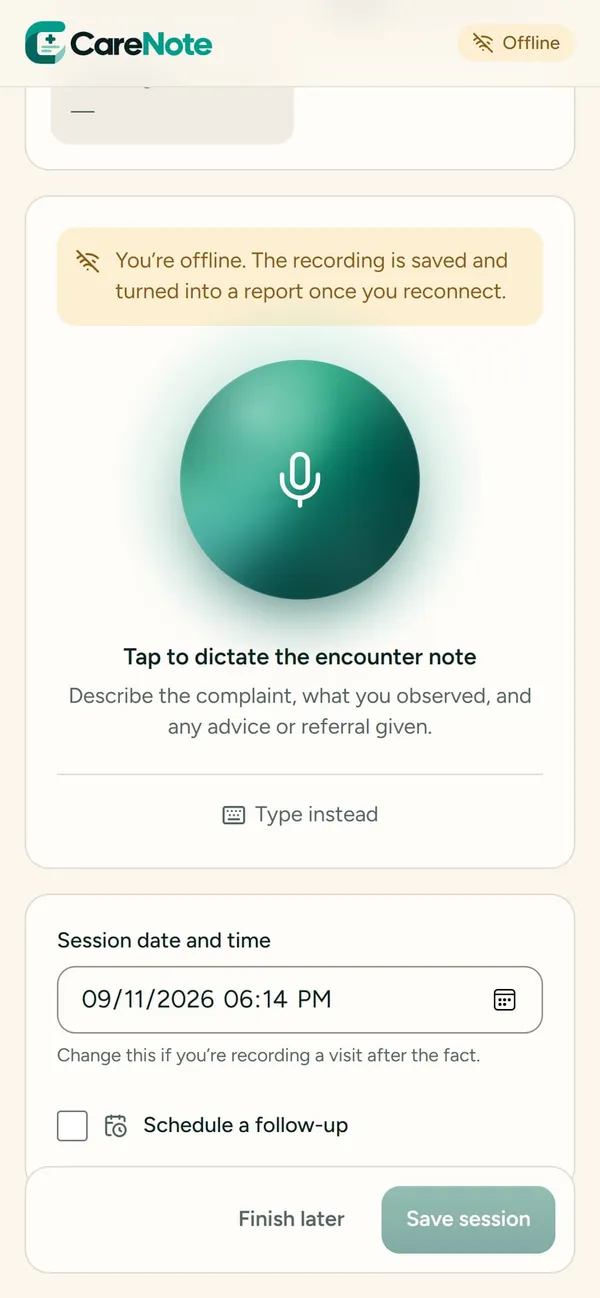
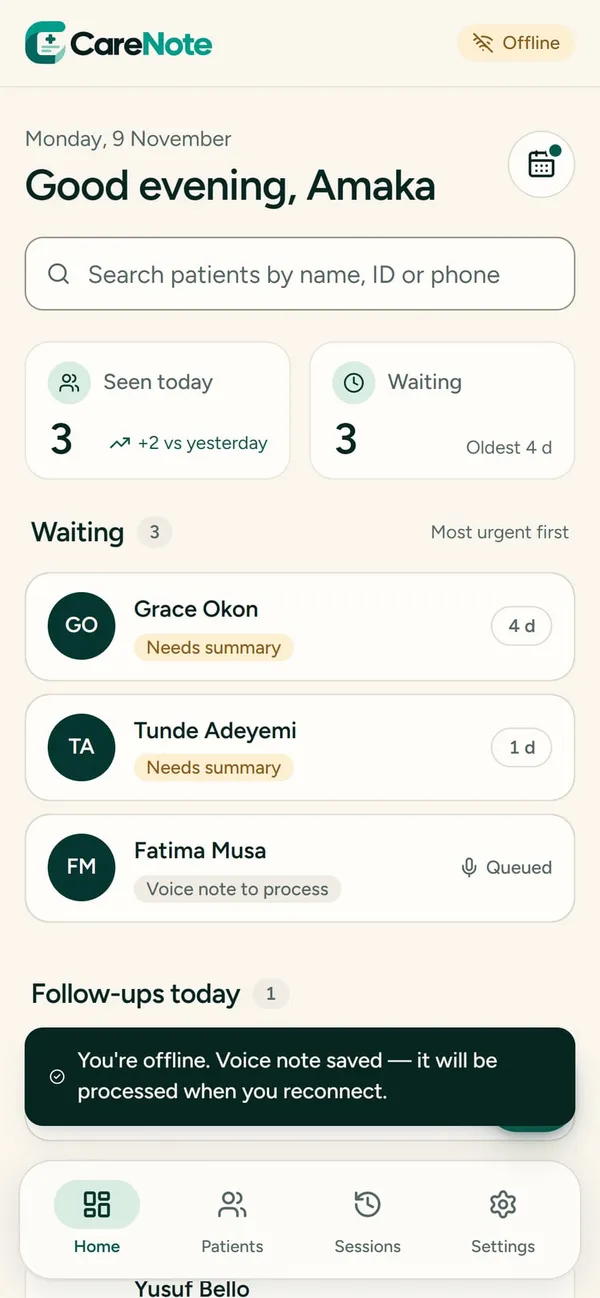
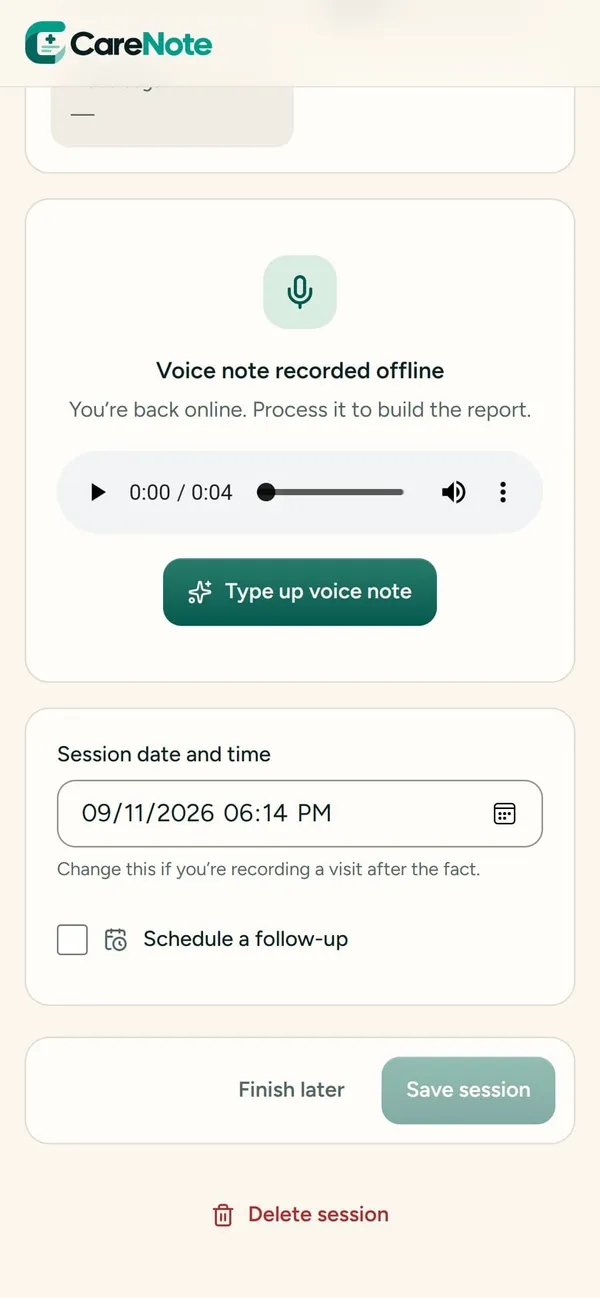
Access available patient records, register patients, record vital signs and document visits. They can also create reports manually.
CareNote updates online records with changes saved on the device. Voice notes waiting for AI processing can then be transcribed and turned into reports.
Security and data protection
Patient records are encrypted on the phone before they are stored or backed up. Only the nurse can unlock them.
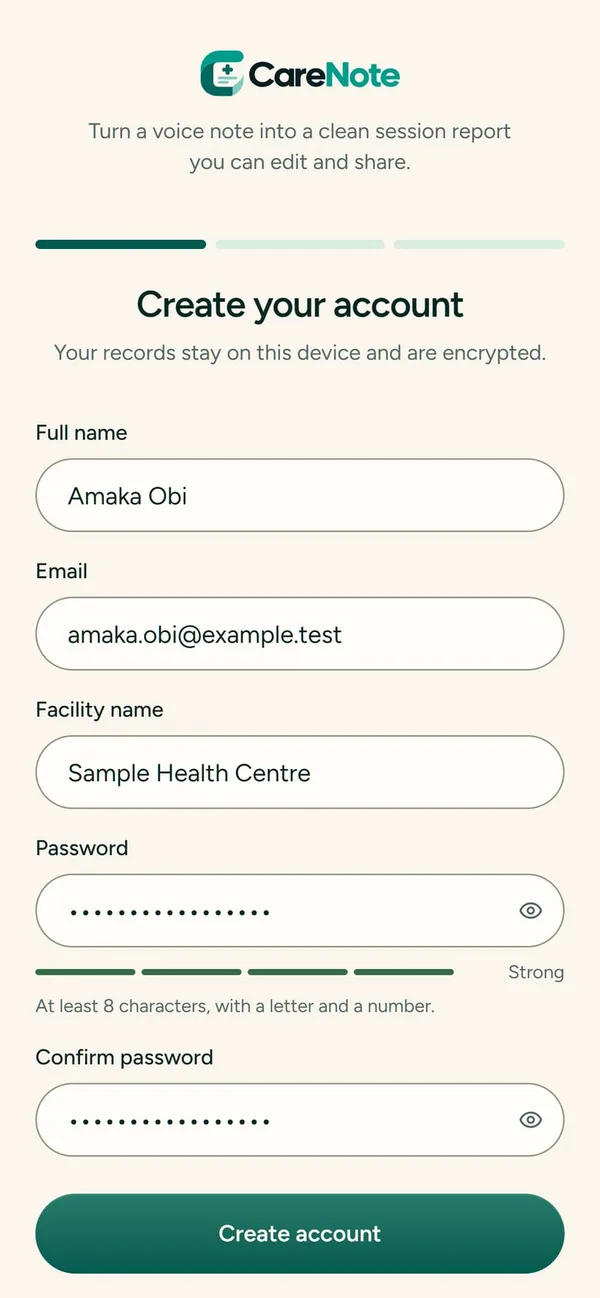
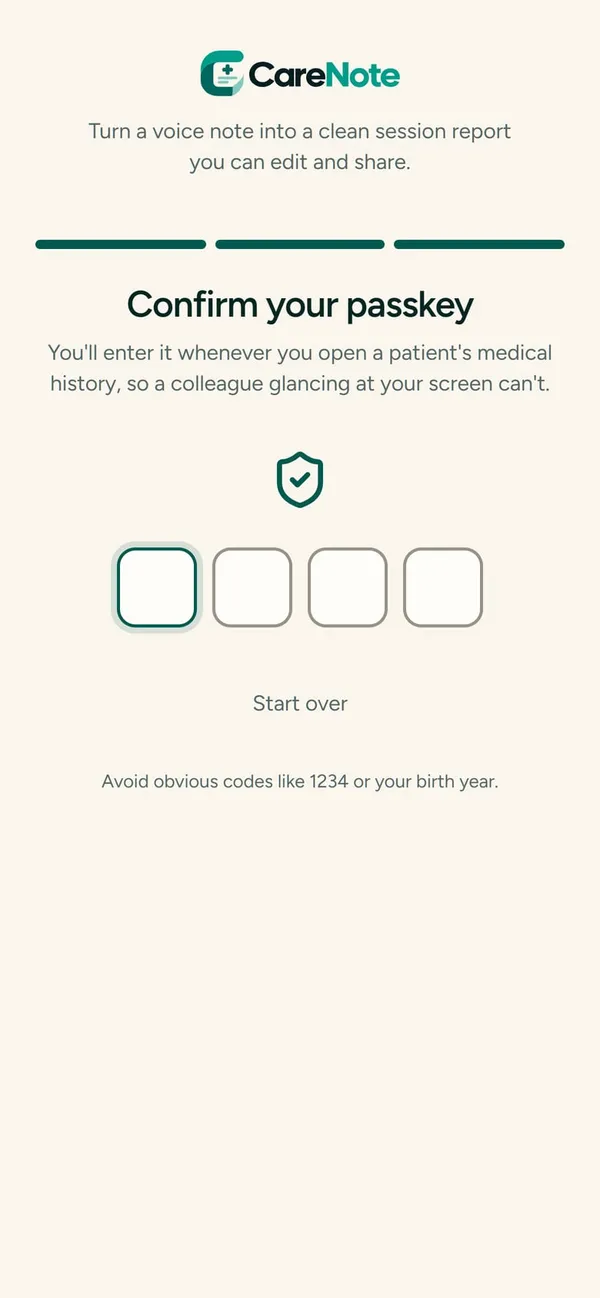
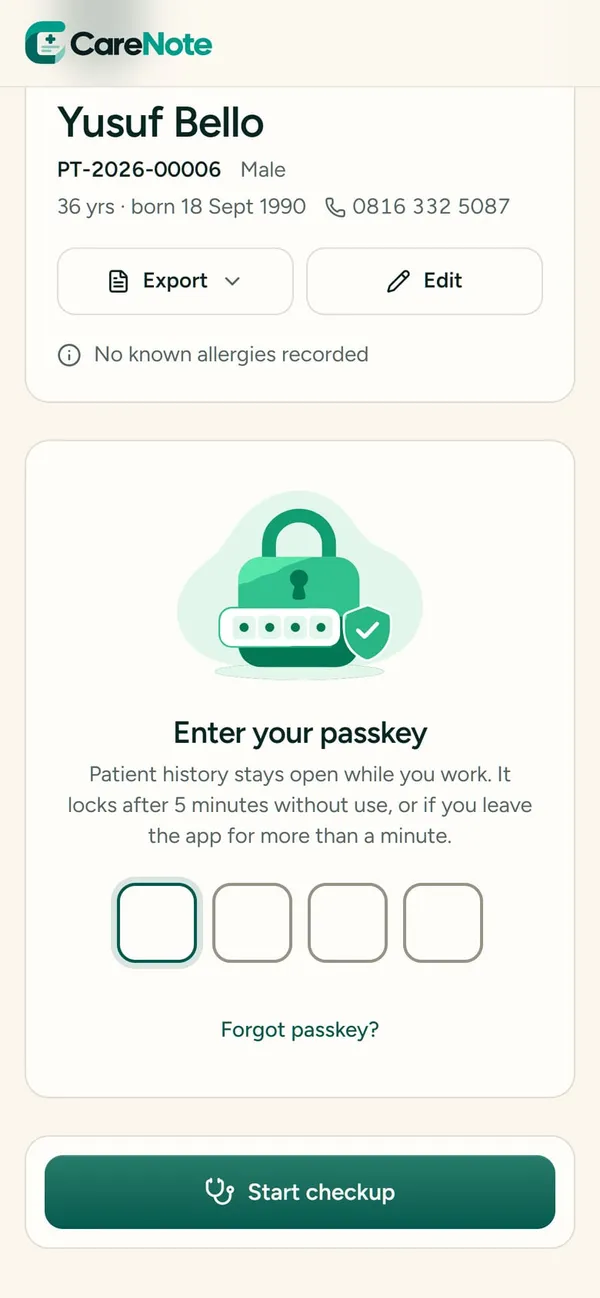
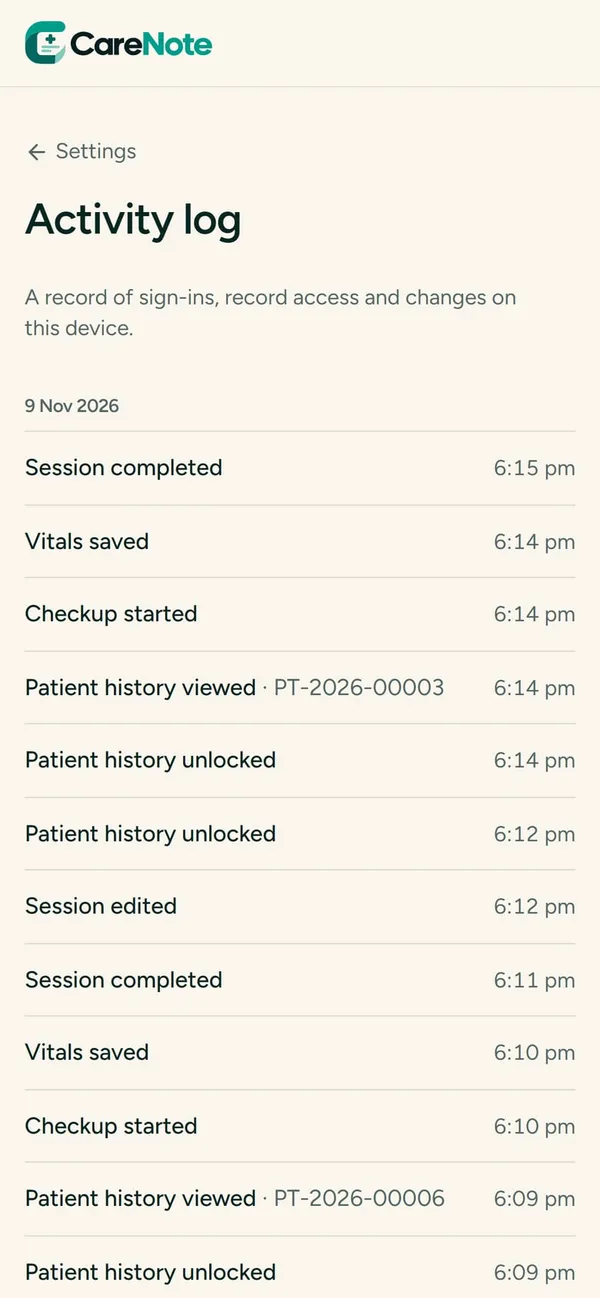
Each nurse uses a four-digit passkey to unlock patient history, and has controlled access to their own account and authorised records.
Patient names, phone numbers and IDs are excluded from AI requests. Voice notes stay on the phone; CareNote does not keep a copy online after transcription. A name spoken in a recording is not automatically removed.
AI-generated reports must be reviewed and approved by the nurse before they are saved. Patient consent is recorded where required.
CareNote has not yet obtained formal security certification or regulatory approval.
Technical implementation
AI report generation requires internet access.
Roadmap
All patient examples use fictional information. Sample clinical content is illustrative.